

Car & Bike Transportation
Intercity Pickup & Delivery
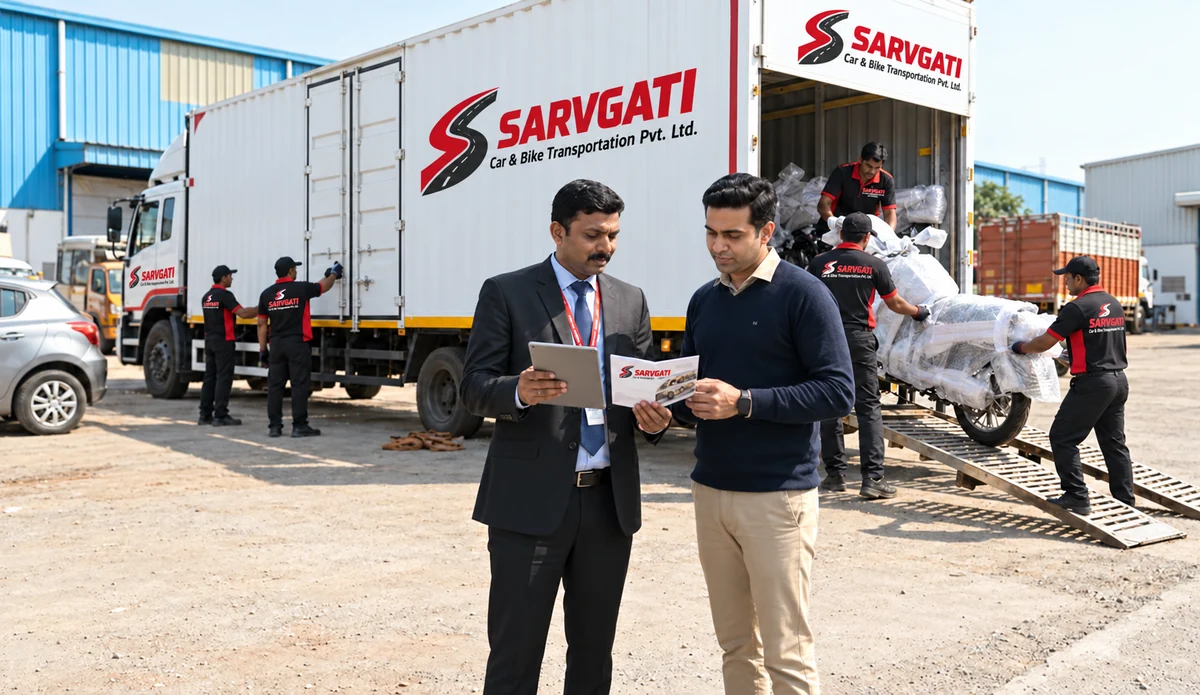
Closed Container Carriers
Pickup & Delivery Planning
Shipment Tracking & Updates
Transit Coverage Assistance
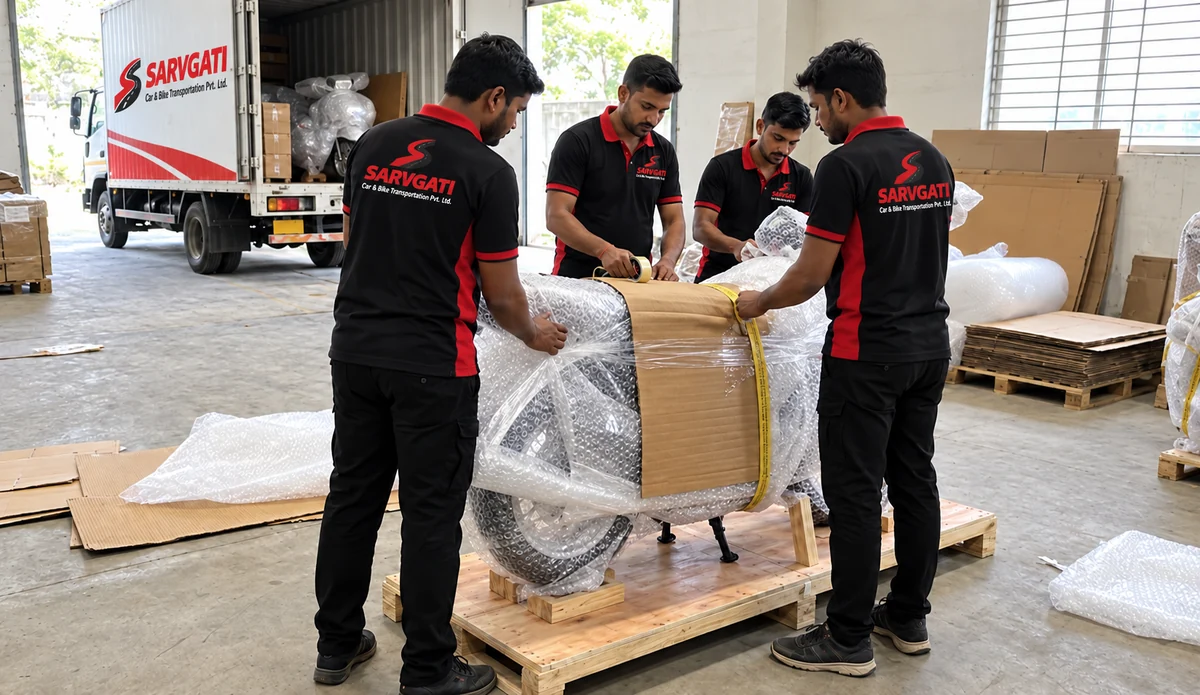
Vehicle Handling Support
Transparent Pricing
Transport Support
Nationwide Coverage
Delivery & Handover Checks
Custom Transport Solutions
Flexible Scheduling
Easy Quote Request
High Customer Satisfaction

















Use the issued booking reference
Copy the reference from your booking communication and check it before searching. Your car registration number, phone number and quote enquiry are not automatically shipment-tracking IDs.
If a shipment is not found
Check for a typing error and confirm that the team has issued a reference for the transport booking. If the reference still does not return a record, contact Sarvgati with your pickup and destination cities. Do not interpret a missing online record as proof that the vehicle has not moved.
Understand the available updates
A status update is not a promise of a live GPS location or exact arrival time. Ask the team which update method applies and confirm receiving arrangements when a delivery window is discussed.
Need help with receiving?
Share the issued reference and the nominated receiving contact with support. Discuss a change in address or availability before assuming the vehicle can be delivered elsewhere.